10 Ways to Get More Out of WordQuest
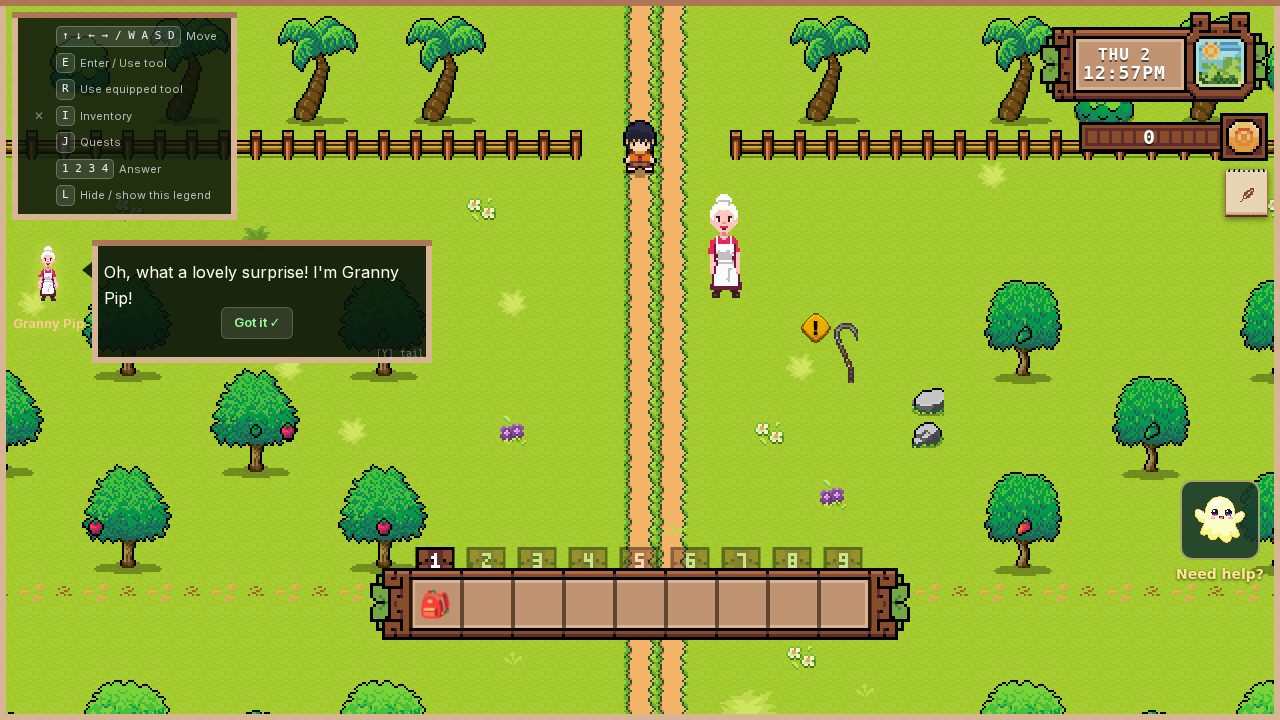
My kids have been playing WordQuest for a while now, and along the way we've figured out what makes the difference between a session where they're just tapping buttons and a session where they're actually learning. If you haven't set the game up yet, start with our five-minute setup guide — this piece picks up after that, once your child has a profile and a session or two under their belt. The game does a lot of the heavy lifting on its own, but a few small things from the parent side can turn a good experience into a genuinely effective one.
Here are ten things that have worked for our family.
1. Sit With Them for the First Three Sessions
I know I keep saying this, but it matters. You don't need to teach anything. Just be there. Sit on the couch next to them, react when the treasure chest opens, and let them know you think what they're doing is worth your time. Those first few sessions set the tone for everything that follows. If WordQuest feels like something they do alone while you're busy, it becomes screen time. If it feels like something you shared with them, it becomes learning. Our deeper guide on first-session co-play walks through what to do (and what not to) during those crucial early minutes.
Three sessions. That's all it takes.
2. Ask About the Game Afterward
After a play session, ask your child what happened. "Did you find anything cool?" "What letters were on the trees today?" "Did you open any treasure chests?" These questions are more powerful than they seem. When your child recalls a letter or word from the game, they're reinforcing the memory by articulating it. And they're learning that what they did in the game is worth talking about, just like a day at school or a trip to the park.
Keep it casual. You're not quizzing them — you're interested.
3. Connect Game Letters to the Real World
This is where the real magic happens. When your child encounters a B in the game, look for the letter B in your daily life together. On a street sign, a cereal box, a book cover. "Hey, remember the B from the game? There's one on that bus!" These connections between game-learning and real-world recognition are where lasting reading skills develop. The game provides the initial spark, but you provide the bridge to real life.
4. Let Them Replay Locations
If your child wants to revisit a location they've already cleared instead of pushing on to a new one, let them. Repetition is how fluency builds. The second time through a spot, your child will recognize letters and words more quickly, and that experience of easy recognition — of knowing the answer before the audio even plays — is what builds confidence. Some kids replay the same area three or four times before moving on. That's not being stuck. That's learning.
5. Use the Right Age Mode
This sounds obvious, but it's the most common adjustment that makes a real difference. If your child is struggling with Reader mode and their accuracy is consistently below 50%, switch to Explorer. If they're breezing through Explorer with 90%+ accuracy and clearing whole locations in minutes, move up to Reader. The sweet spot is where they get about 7 out of 10 challenges right — challenged enough to learn, successful enough to stay motivated.
Check the parent dashboard weekly to see where their accuracy sits. Adjusting the mode isn't a step backward — it's finding the right fit.
6. Set a Session Timer
Younger kids benefit from a timer, not because longer sessions are harmful, but because they help build a healthy rhythm. Somewhere around 10-15 minutes suits the youngest players, stretching toward 20-25 minutes as they grow older and their focus builds. WordQuest has a built-in session timer in the settings — set it once and the game will gently suggest a break when the time is up.
If your child is close to finishing a location when the timer hits, it's fine to let them continue. The timer is a guideline, not a wall.
7. Watch for AI Hints (Coming Soon)
One to look forward to: AI reading hints are a feature we're finishing now. Once it's live, you'll be able to turn it on in settings — and when your child gets three wrong attempts on the same challenge, the game will show a gentle, child-friendly hint: not the answer, but a clue that helps them get there. It's designed to head off the frustration loop where a child gets stuck, tries the same wrong answer, and gives up.
In the meantime, your child can tap Lumie, the in-game guide, for a word of encouragement — and when you're playing together, you're the best hint system there is.
8. Celebrate the Dashboard Together
Once a week or so, open the parent dashboard with your child and look at their progress together. "You learned five new letters this week! Look at that!" Show them how the map fills in and the new places they've unlocked. Kids respond to visible evidence of their own growth, and the dashboard makes that growth concrete. If you're not sure what each number on the dashboard means, we wrote a parent-friendly guide to every metric.
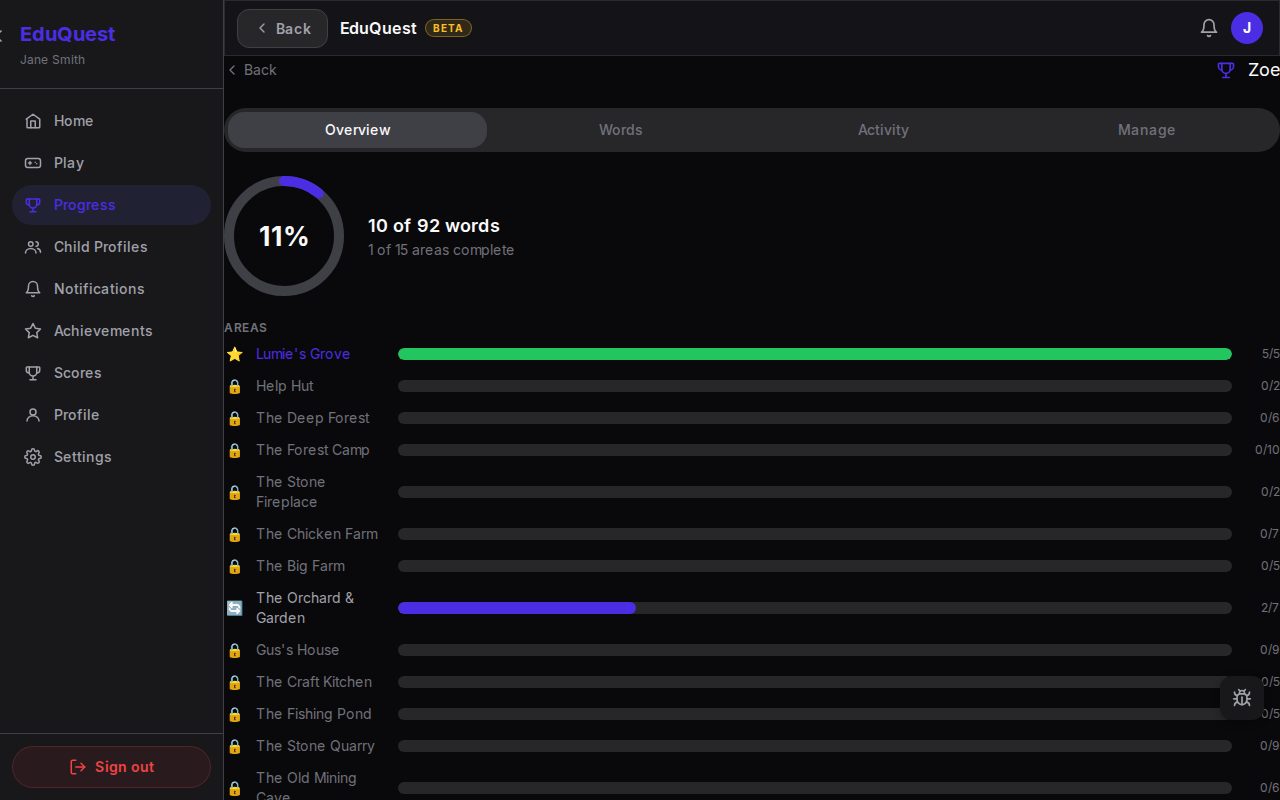 The progress overview — a filling ring, a words counter, and one bar per area of the Misty Isle.
This takes two minutes and gives your child a sense of accomplishment that carries over into the next session.
9. Don't Compare Siblings
If you have multiple children using WordQuest, you'll see separate progress for each of them. Please resist the urge to compare, even casually. "Your sister's already further along" is the kind of comment that can turn a reading game into a source of anxiety. Every child progresses at their own pace. A child reading whole words in Reader mode and one just learning letters in Explorer mode are on completely different paths, and both paths are exactly right for them.
The dashboard is a tool for encouragement, not competition.
10. Follow the Child, Not the Plan
Here's the most important thing I've learned: your child will surprise you. They might race through their first location in one sitting or take a week. They might obsess over treasure chests and ignore the fishing pond. They might want to play every day for a week and then skip a week entirely. All of this is normal.
The goal isn't to get through the game as fast as possible. The goal is to build a positive connection between your child and reading. If they're enjoying it, they're learning. If they're voluntarily asking to play, you've already won. Everything else is bonus.
We built EduQuest because we wanted something better for our own kids — a reading game where every challenge is part of the adventure. No ads in the game, no behavioural tracking on children, and a parent dashboard so you can see what they're learning. Set up a child profile — the Misty Isle is free.