How to Play WordQuest
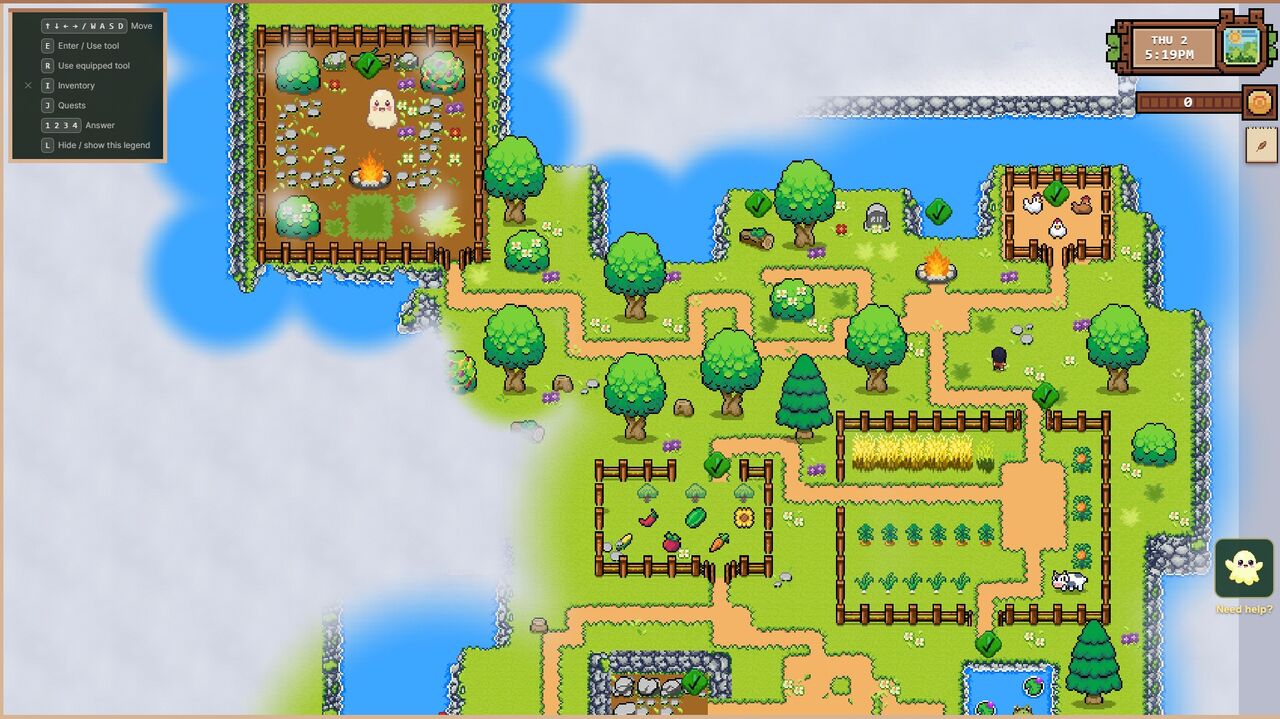
WordQuest is the first game in EduQuest — a top-down adventure where reading is the way you play. There's no quiz that interrupts the fun; the reading is the fun. Here's how it works.
Moving around
Your child controls a small hero who explores the Misty Isle. On a computer, the arrow keys move the hero in four directions. On a phone or tablet, an on-screen pad does the same with a thumb. That's the only control they need to learn — and most children pick it up in seconds by just trying it.
Meeting a challenge
As your child explores, they'll reach things that need a word to unlock: a blocking tree, a treasure chest, a friendly character with a request. When they get close, a little "Press E" prompt appears next to it — and on a tablet or phone, an E button lights up in the corner of the screen. One press of E, or one tap of that button, opens the challenge: a letter or a word, with a few options to choose from.
Tap the right one, and the tree clears from the path, the chest reveals its treasure, the bridge appears. The story moves forward because they read correctly. That's the whole loop:
- Explore until you reach an obstacle
- Press E (or tap the E button) to open it
- Read the letter or word
- Tap the matching answer
- Watch it open — and carry on
Wrong answers are fine
This is the part we care most about: a wrong tap never punishes your child. There are no lives to lose, no buzzer, no score going down. A wrong answer gives a gentle nudge and lets them try again, as many times as they like. The game is patient on purpose — children learn best when getting it wrong costs nothing.
There's more to discover
The Misty Isle isn't just trees and chests. Your child can:
- Help friendly characters with little quests
- Go fishing at the pond
- Collect items and find hidden corners of the map
Every one of these is another gentle reason to read.
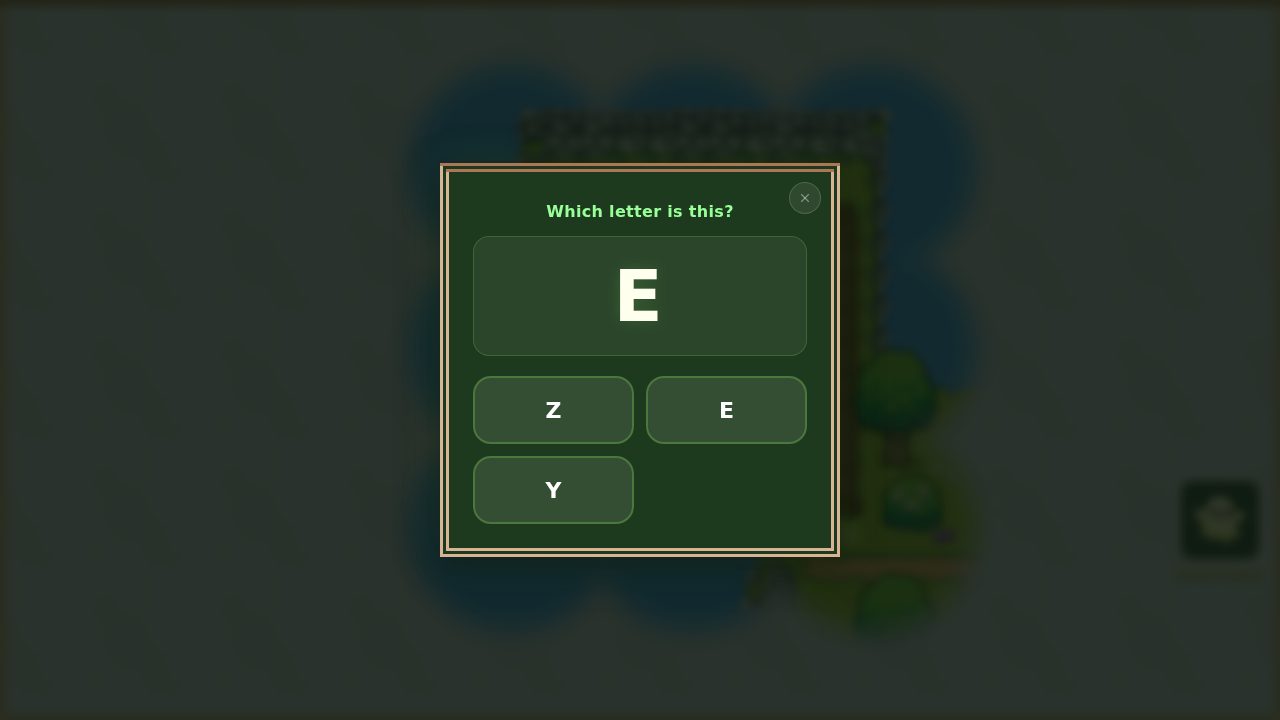 A challenge opens: read the letter, tap the match, and the obstacle gives way.
If they get stuck
A friendly guide called Lumie is never far away — a tap brings a word of encouragement or a nudge toward where to go next, so your child can keep going without needing you to step in. And if you want to sit alongside them, brilliant — just try to let them tap for themselves. Discovering it on their own is where the real learning happens.
That's everything you need to start. Haven't set up yet? Begin with Getting Started: Create Your Account and Add a Child.