Explorer or Reader? Choosing the Right Mode
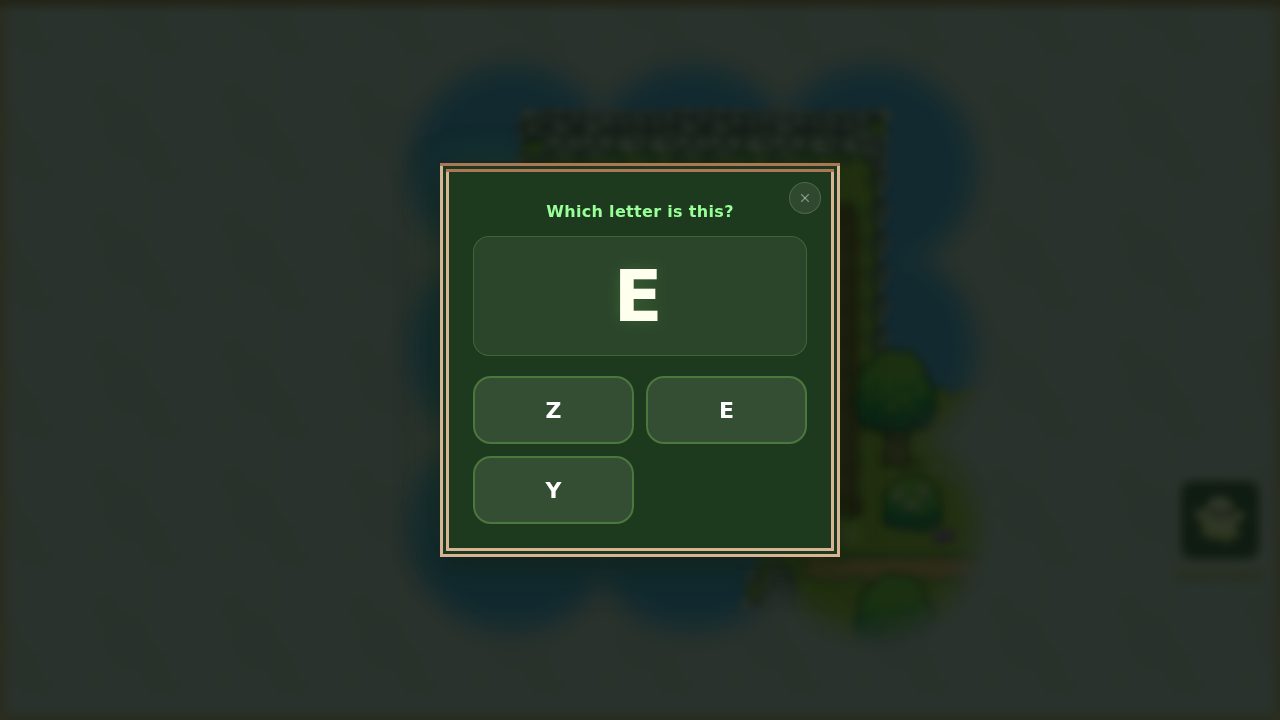
When you add a child to EduQuest, you choose a mode for them: Explorer or Reader. It's the one setting that shapes what kind of challenges they meet in the game. Here's what each one does — and why you can't really get it wrong.
Explorer — all about letters
Explorer mode focuses on single letters: recognising them, naming them, and matching them to their sounds. Challenges show a letter with a small set of options to choose from, so there's never too much on screen at once.
This is the right starting point for a child who is still getting comfortable with the alphabet — learning that each shape has a name and a sound.
Reader — moving on to words
Reader mode steps up to whole words — common sight words and simple words to sound out. The challenges ask your child to read and recognise the word itself, not just a letter.
This suits a child who already knows their letters well and is ready to start putting them together into words.
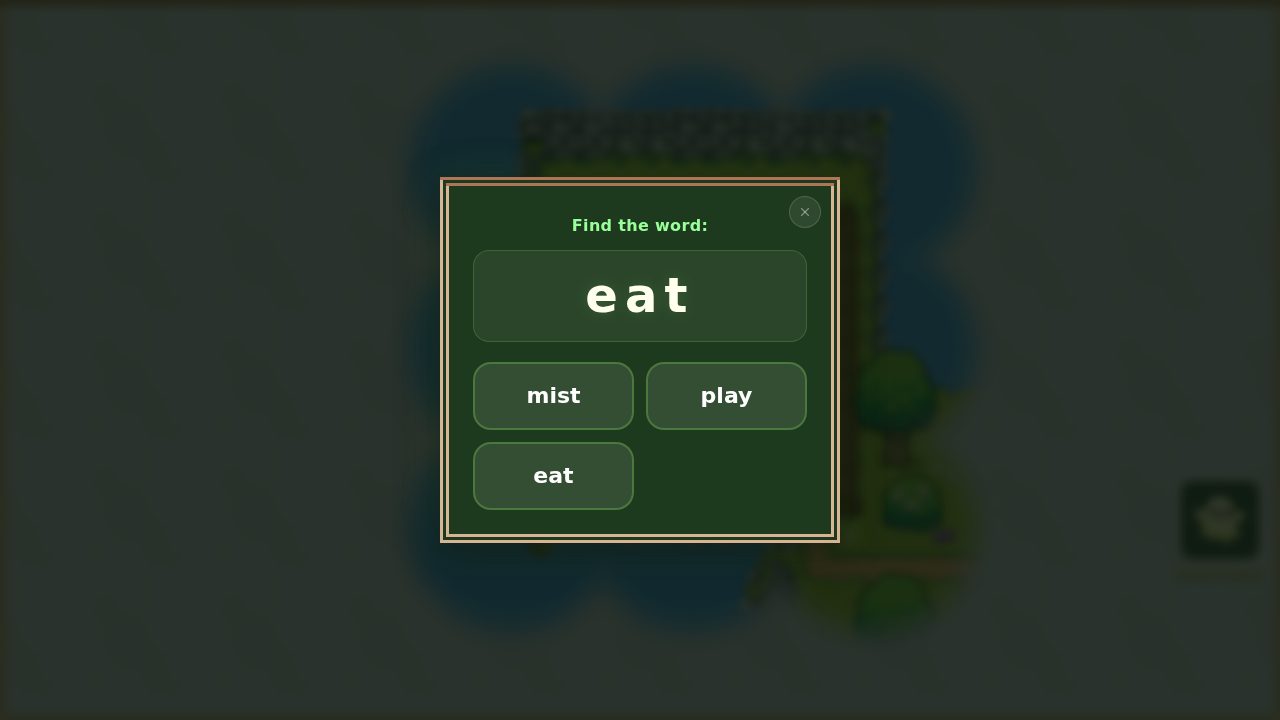 Reader mode swaps the single letter (above) for a whole word to read.
Which should I pick?
If you're unsure, start with Explorer. It's gentle, and a confident child will breeze through the early challenges quickly. There's no penalty for starting "too easy" — but a child who's pushed into words before they're ready can get discouraged, which is the one thing we want to avoid.
You can switch anytime
The mode isn't a one-time decision. You can change it whenever you like from your child's profile in the parent area, so the game can grow with them — move from Explorer to Reader the moment letters feel easy. Nothing is lost in the switch; their progress and adventure carry on.
Not set up yet? Begin with Getting Started: Create Your Account and Add a Child.