Screen Time That Counts: A Parent's Guide to Educational Apps

My wife and I used to have the same conversation every weekend. One of us would hand the kids a tablet, and the other would say "how long have they been on that?" We'd go back and forth about minutes and limits, and the whole thing felt like a negotiation neither of us was winning. It took us a while to realize we were asking the wrong question entirely.
The real question was never "how much screen time?" It was "what kind?"
What Our Family Learned About Passive vs Active
The American Academy of Pediatrics makes a distinction between passive and active screen time, and once you see it, you can't unsee it. Passive screen time is watching — your child is a spectator. Active screen time involves thinking, responding, and problem-solving. Your child is a participant.
Here's what that looks like in our house. My six-year-old watching YouTube clips of people playing Minecraft? Passive. He's entertained, but his brain is in receive mode. That same kid playing a reading game where he identifies letters to open doors and unlock treasure chests? Active. He's making decisions, processing information, and building skills — even though both activities involve the same tablet on the same couch. (Here's the science of why that second kind of screen time actually teaches reading.)
The brain experiences are fundamentally different, even if the screen looks the same to a parent walking by.
Our Three-Question Check
Before I hand either of my kids a device now, I run through three quick questions about whatever they're about to do. It takes about ten seconds and it's saved us a lot of the guilt that used to come with screen time.
Is my child thinking or just watching? If they're making choices, answering questions, or solving problems, their brain is active and building connections. If they're tapping to skip to the next animation, that's consumption, not learning. Both have their place — I'm not going to pretend my kids never watch cartoons — but knowing which one is happening helps me feel better about the time.
Does it teach something real? A lot of apps call themselves "educational" but the only thing your child learns is how to play that specific app. We look for things that teach transferable skills — real letter recognition, actual phonics, genuine word building. My test: after fifteen minutes, does my child know something they didn't before? If the answer is yes, that's time well spent.
Is the app designed for my child or for advertisers? This is the big one. If an app is free and full of ads, your child isn't the customer — they're the product. We've stopped using any app that has third-party advertising, links to external sites, manipulative "buy now" prompts, or vague privacy policies about children's data. It narrows the field considerably, but what's left is actually worth using. (Here's our thirty-second test for spotting the bad ones at a glance.)
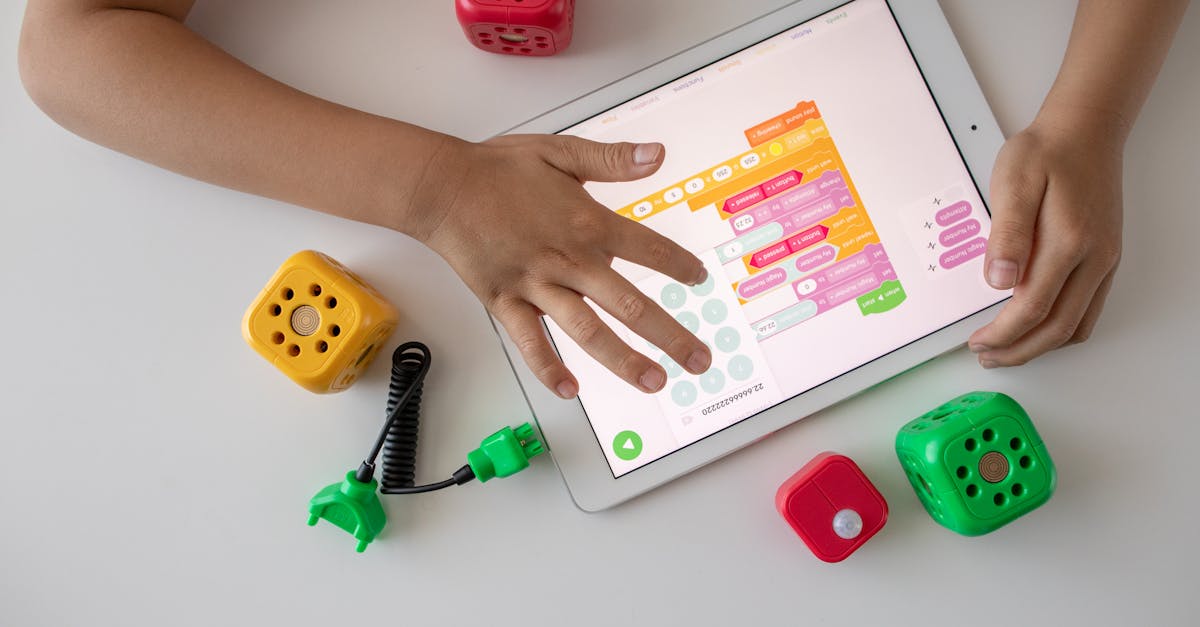 Photo: Robo Wunderkind / Pexels
What the Guidelines Actually Say
The AAP recommends these limits:
- Under 2 — avoid screen time (except video calls)
- 2–5 years — max 1 hour/day of high-quality content
- 6+ years — consistent limits, prioritize sleep and physical activity
We treat these as ceilings, not targets. Some days are zero screens. Rainy Saturday afternoons or long car rides might be more. What matters is the overall pattern across the week and the quality of what they're doing during that time. I've found that worrying about individual days leads to guilt, while looking at the weekly picture gives me a much healthier perspective. (If you want the longer version of what these guidelines actually say versus how they get reported, we wrote a deeper piece on it.)
The Five-Minute Trick That Changed Everything
The single best thing we've done around screen time is simple: I sit with my kids for the first five minutes when they start playing an educational game. Not to teach. Not to supervise. Just to be present.
When I'm there, I can reinforce what they're learning in the moment. "You found the letter B! What other words start with B?" I can celebrate when they get something right — and trust me, the look on a five-year-old's face when Dad is excited about the same thing they're excited about is worth everything. I can spot frustration early and offer encouragement before they give up.
After five minutes, I'll say "you're doing great, I'm going to start on dinner." They transition naturally from shared play to independent play without it feeling like I've abandoned them. The tablet goes from being a babysitter to being a tool we use together. That shift changed how I feel about screen time more than any guideline ever did.
When to Pull Back
Even with good apps, there are warning signs that mean it's time to step away.
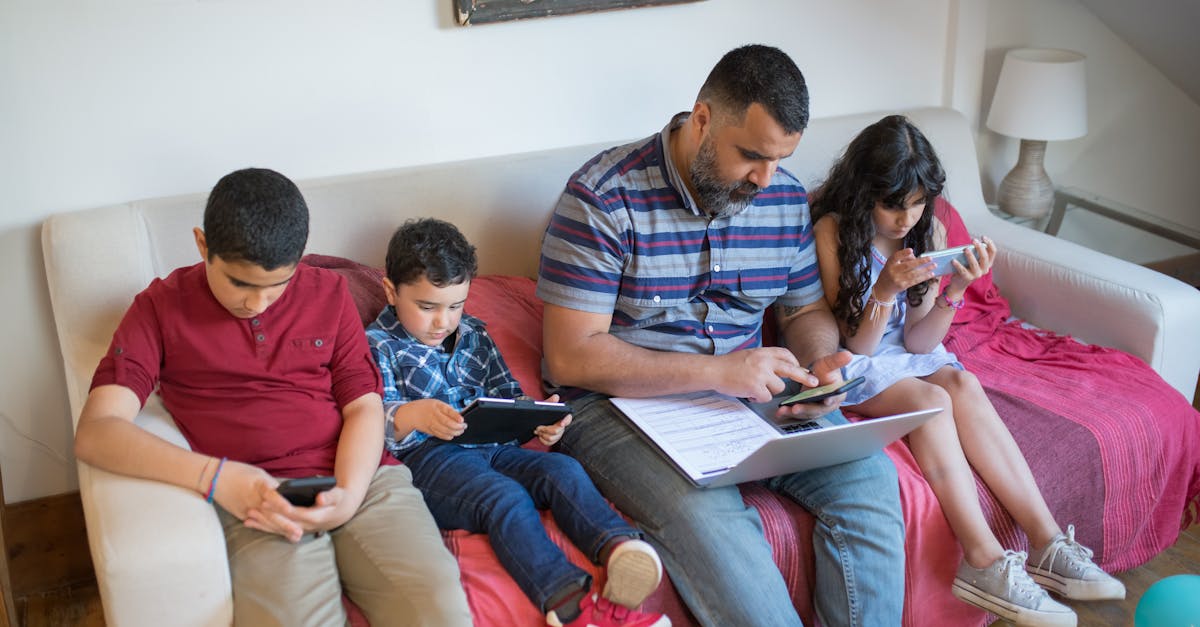 Photo: Kampus Production / Pexels
Overstimulation. Rapid flashing, constant loud noises, too much happening on screen at once. If the app is designed to overwhelm a child's senses rather than engage their thinking, it doesn't belong on our devices.
Frustration without support. If your child is repeatedly failing and the app isn't helping them learn from those failures, the experience is counterproductive. Good educational apps offer gentle hints or adjust difficulty. Bad ones just let kids fail until they quit.
Addictive patterns. "Just one more!" urgency, countdown timers, artificial scarcity. These mechanics are designed for adults with impulse control. They have no place in children's apps.
Behavioral changes. If screen time consistently ends in tantrums or irritability, something about the experience isn't working. It might be the app, the session length, or the transition — but it needs attention.
No transfer. If your child can navigate an app expertly but can't apply any of the skills in the real world, the app is teaching app navigation, not the subject it claims to teach.
What We've Settled On
Our family has landed in a place that feels right. Educational apps that teach real skills — actual letters, actual words — get more flexible time limits. Passive entertainment gets stricter limits. We sit together for the start of learning sessions and check in afterward. And we've completely stopped feeling guilty about screen time that genuinely teaches our kids something.
It's not a perfect system. Some days we're better at it than others. But the shift from counting minutes to evaluating quality made parenting around screens feel manageable for the first time.
We built EduQuest because we wanted something better for our own kids — a reading game with active learning, no ads in the game itself, no behavioural tracking on children, and a parent dashboard so you always know what they're learning. Make a profile and start with the free world.